
Most coaches running a live group program piece together the infrastructure as they go: Zoom for the video, Stripe for payment, Teachable for recordings, Calendly for registration. Each tool does its job in isolation. The problems show up at the seams — a participant asks where to find the recording, you have to manually track who's paid and who has access, someone registers but the session link gets lost in their inbox.
Running live coaching programs well requires more than video conferencing. It requires registration and payment that handles group enrollment, a home for recordings after each session, and a public program page that explains the offer and converts visitors into registrants — without making them navigate three platforms to get there. Here's how five options handle that full picture.
What live coaching programs actually need
Before comparing platforms, it helps to map the specific requirements. A live coaching program — whether it's a weekly group call, a multi-week cohort, or a recurring workshop series — needs:
- Group registration with payment collected at the point of signup
- Reliable video delivery with recording capability
- Recordings stored and accessible to participants after each session
- A public program page with schedule, description, and a direct register button
- Participant management — who's registered, who's paid, who has access
- A connection between the live program and your 1:1 sessions and courses
That last point is easy to overlook. A live coaching program doesn't exist in isolation — it sits alongside your individual sessions, your courses, and your other offerings. A platform that handles the live program but requires clients to go somewhere else for everything else is only solving part of the problem. If you're also selling session packages or online courses alongside live programs, the platform question becomes even more important.
Zoom + a course platform — the default DIY stack
Most coaches end up here by default. Zoom handles the live sessions. Teachable or Thinkific hosts recordings and any course content. Calendly manages registration. Stripe processes payment. This stack works — each piece functions. But you are the glue holding it together.
Registration in Calendly isn't connected to Zoom attendance. Payment in Stripe isn't connected to course access in Teachable. When a participant needs a refund, asks about a recording, or wants to see the schedule for upcoming sessions, you're handling it manually. Each tool is doing its job. Nobody is doing yours.
The participant experience suffers proportionally. A registrant pays on one platform, receives a Zoom link from another, finds recordings on a third. There's no single place that represents "this program" — because there isn't one.
Best for: Coaches starting their first live program who already have these tools. It works as a starting point. The manual overhead becomes more visible as the program grows.
Kajabi — strong if your business is content-first
Kajabi handles live programs better than its reputation suggests. Its coaching product and community features let you schedule live sessions, gate recordings by purchase, and run cohorts inside the same platform as your course content. For coaches with large audiences who want email sequences, community spaces, and course libraries all in one place, it's genuinely capable.
The live sessions themselves run through Zoom under the hood — Kajabi schedules Zoom calls and attaches them to your product. So you still depend on Zoom. The booking and practice management features — 1:1 sessions, cancellation policies, per-client credit systems — are minimal compared to the content features. It was built for creators monetising audiences, and the product reflects that.
The price ($149–$399/month) is substantial and makes sense only if you're using the full platform: email marketing, website builder, memberships, multiple products. If live programs are your primary offer, you're paying for a lot you won't use.
Best for: Coaches who run large cohort programs as part of a broader content business — courses, newsletters, memberships — and want live sessions inside that ecosystem.
Thinkific — course-first with limited live integration
Thinkific is a clean, well-built course platform that has added live lesson functionality. You can embed a Zoom or Google Meet link inside a course so participants access the session link and the recording from the same interface. The UX is good.
The limitation: there's no native live streaming. Thinkific relies entirely on Zoom or another tool — it's an embed, not built-in infrastructure. Scheduling, participant management, and attendance tracking for live sessions are minimal. There's no connection to 1:1 session booking for coaches who mix both formats.
Best for: Coaches building structured programs where recorded content is the primary product and live sessions are supplementary touchpoints — not the main offering.
Crowdcast — event-first, not practice management
Crowdcast was built for live webinars and online events. It handles multi-participant live sessions well, has a clean registration flow, and produces recordings accessible to attendees. The participant interaction experience — polls, Q&A, replay access — is genuinely better than Zoom for audience-facing events.
Where it doesn't fit a coaching practice: every event is standalone. No persistent client relationship, no course content, no client history, no 1:1 booking. Coaches who use it for live programs still need another platform for everything else their practice involves.
Best for: One-off public workshops or webinars where you want a clean registration-to-live-session flow and nothing else.
Merkora — live programs alongside sessions and courses
Merkora was built around the premise that a coaching practice has multiple offer types — 1:1 sessions, live group programs, courses, digital products — and all of them should live on the same professional page, with the same client infrastructure underneath.
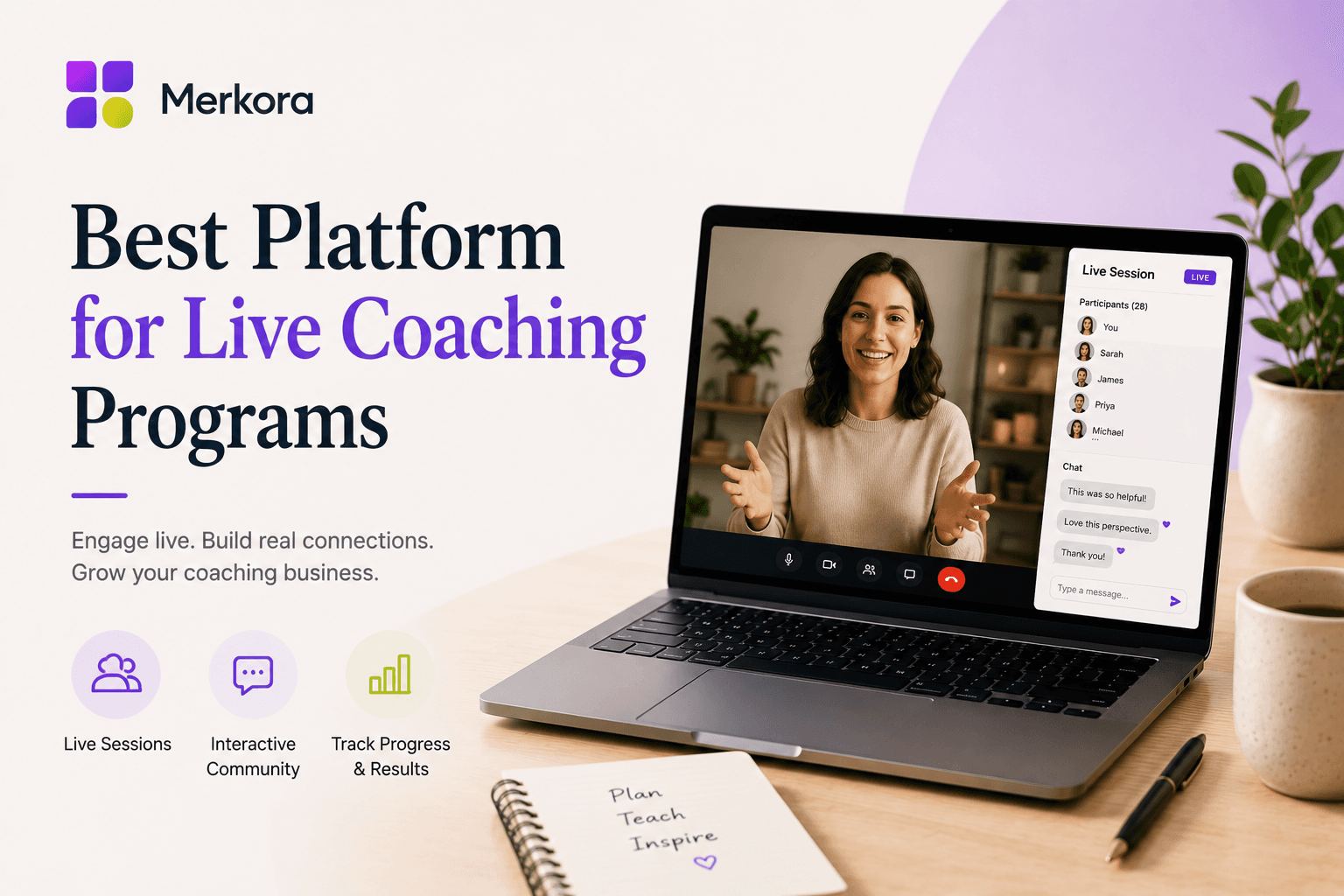
Live group programs work as live events: group capacity, payment at registration, live session delivery, and recordings stored in participant accounts after each session. Participants register and pay from your public practice page, attend the session, and find all recordings in one place. There's no Zoom to schedule separately, no course platform to link, no Calendly registration page to maintain on the side.
The meaningful advantage for coaches running both live programs and 1:1 sessions: both live on the same page. A new visitor can see your group program, your individual sessions, and your courses in a single visit — and register or book without leaving. Cross-selling happens naturally because the page shows the full picture.
Where it's still growing: as a newer platform, the depth of email automation and large-scale community features is less developed than Kajabi's. If sophisticated email sequences and membership communities are central to your model, that's worth weighing.
Best for: Coaches who want live group programs, 1:1 sessions, and courses on the same professional page — without building a separate events stack.
What to look for — the decision checklist
When evaluating platforms for live coaching programs, these are the questions that actually matter:
- Does group registration and payment happen natively — or through separate tools?
- Are recordings stored automatically and accessible to participants without a new login?
- Is the live session infrastructure built in, or are you still scheduling Zoom separately?
- Can 1:1 session booking and your live program live on the same practice page?
- What happens when a participant needs a refund or misses a paid session?
- Does the participant experience feel like one coherent program — or a series of redirects?
The DIY Zoom stack answers most of these with manual workarounds. The dedicated platforms handle them to varying degrees depending on what they were built to solve first. For coaches where live programs are a significant part of the business, it's worth looking at coaching software that treats live events as a native feature rather than a video integration bolted onto something else.
Merkora was built for coaches who want 1:1 sessions and live group programs on the same professional page. If you're setting up your first live program or consolidating a fragmented stack, it's worth seeing what the full picture looks like in one place.