
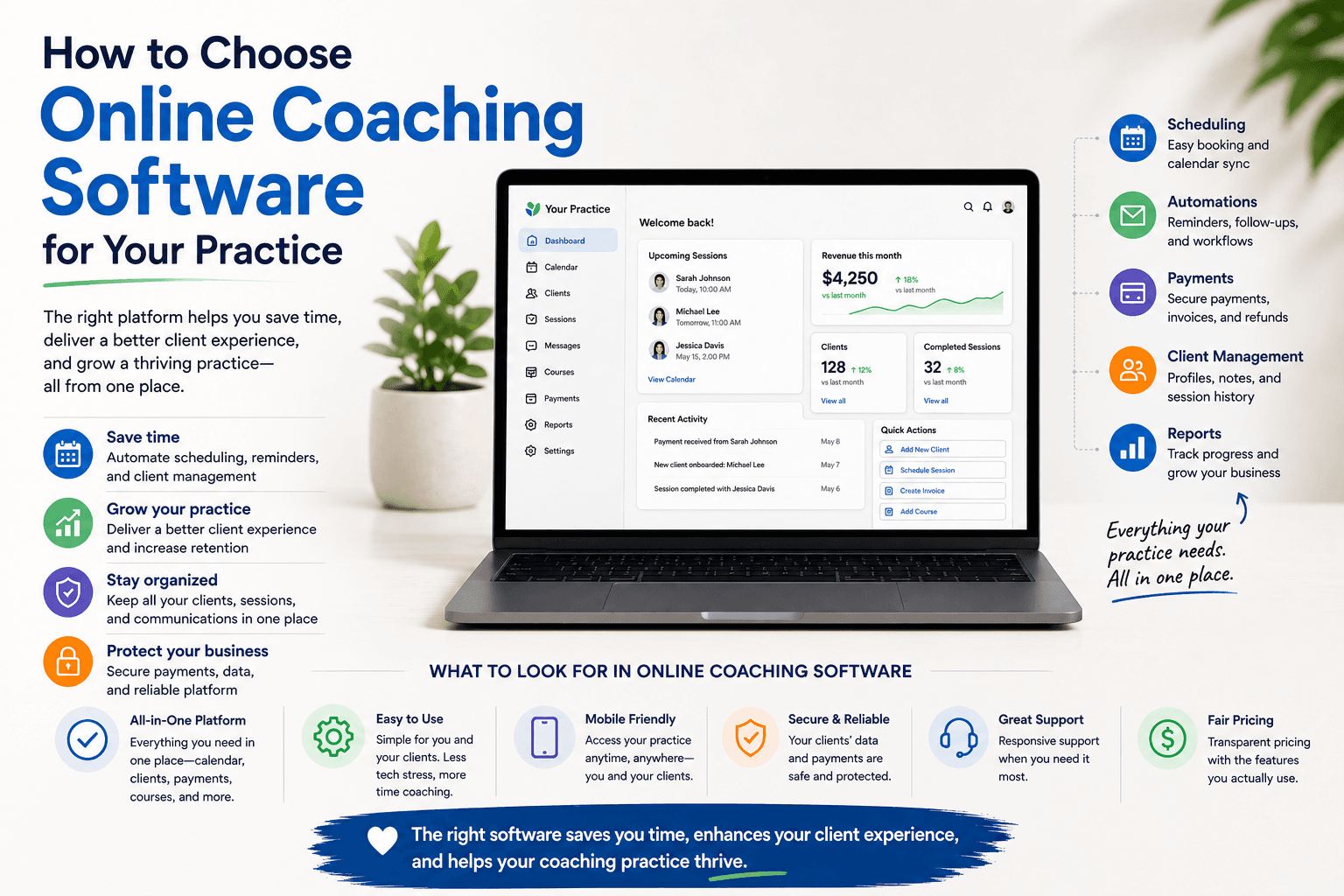
Most coaches are running their coaching business across five different platforms. Calendly for booking. Teachable or Thinkific for courses. Gumroad for digital products. Linktree so clients can find any of it. Zoom for the actual sessions. And then a Notion doc, a spreadsheet, or just memory to track who's paid, who's enrolled, and who's on a package.
That's not a coaching business. That's a maintenance job with coaching attached. Consolidating your coaching business tools into one place isn't a shortcut — it's a structural decision that changes how much time you spend on administration and how professional your clients' experience actually is.
The alternative — running everything from a single link — isn't a shortcut. It's a structural decision that changes how much time you spend on administration, how professional you look to clients, and how easy it is to grow without adding more complexity. Here's how it works in practice.
What "one link" actually means
One link means a single URL that does everything a potential or existing client needs — without redirecting them to five different platforms along the way.
When someone clicks your link, they should be able to:
- Understand who you are and what you offer
- Book a session directly, with payment handled at the point of booking
- Browse and enroll in your courses
- Download a free resource or join your waitlist
- Read what other clients say about working with you
All of that from one URL. Not five. Not a Linktree with five more links behind it. One professional page that represents your full practice.
This matters more than it sounds. Every extra click is a drop-off. Every platform switch — from your Linktree to your Calendly to your Teachable — is a moment where a potential client gets confused, loses momentum, or decides it's not worth the effort. A unified page removes all of that friction.
What your one link needs to handle
Before consolidating, it's worth mapping what you actually need. For most coaches, the list looks like this:
1. Your professional presence
This is your bio, your positioning, your niche, and the first impression that answers the question: is this person right for me? Most coaches put this on a separate website and then wonder why the booking link feels disconnected. The answer is that it is disconnected — it lives on a different platform entirely.
Your professional page should be the same place where people book, not a different URL that then redirects them somewhere else. When booking is embedded in your professional presence, the experience stays coherent.
2. Booking with a real cancellation policy
A booking link that doesn't enforce a cancellation policy is not a professional booking system. It's a calendar with a form. The two most common mistakes coaches make here: using a free Calendly plan with no payment collection, or collecting payment but having no mechanism to handle late cancellations.
Your booking setup needs to handle both — payment at the time of booking, and automatic enforcement of your cancellation window. Not a manual email you send after someone cancels two hours before the session. Automatic. If you're still figuring this part out, our post on how to avoid no-shows as a coach or therapist covers it in detail.
3. Courses and live programs
One-on-one sessions have a revenue ceiling. There are only so many hours in a week, and every hour you spend coaching is an hour you can't spend coaching someone else. Courses and live group programs let you deliver value at scale — once you've built the content, it works without you being present for every session.
But only if clients can find them without leaving your main page. A course that lives on Teachable, linked from a Linktree, three clicks away from your booking page, is a course that most potential buyers never see. When your courses live on the same page as your sessions, cross-selling happens naturally.
4. Digital products and lead magnets
Not everyone who finds you is ready to book a session. Some people want to try something smaller first — a workbook, a guide, a free resource. Lead magnets do two things: they let people experience your thinking before committing to a session, and they collect email addresses so you can stay in touch with people who aren't ready to book yet.
If your lead magnet lives on a separate platform (Gumroad, a Google Form, a ConvertKit landing page), you're building your list on someone else's infrastructure and asking clients to leave your page to get it. Both of those are unnecessary.
5. Client history and session continuity
This is the part most coaches don't think about until it becomes a problem. When your booking tool, your video tool, your course platform, and your payment system are all separate, there's no single place that holds a client's history. Their booking is in Calendly. Their course progress is in Teachable. Their session recordings are in Zoom. Their payment history is in Stripe.
You're the one who has to hold all of that together — in your head, or in a spreadsheet. The moment you have more than a handful of active clients, that becomes unsustainable.
Why a coaching page beats a coaching website
Many coaches default to building a website — a proper multi-page site with a home page, an about page, a services page, a contact form. This is a significant investment: time to design, time to write, money for hosting and a domain, and ongoing maintenance every time something changes.
The problem is that a website doesn't do anything. It presents information. Clients still have to leave it to book (Calendly), leave it to buy a course (Teachable), and leave it to download a resource (Gumroad). The website is just a lobby for other platforms.
A coaching page — a single, dedicated URL designed around action — does more with less. It shows who you are, lets clients book, enroll, and download without leaving, and it's live in an afternoon rather than weeks. For most independent coaches, it's the better choice at every stage of practice growth.
How to consolidate your coaching business tools in an afternoon
If you're currently spread across multiple tools, consolidation doesn't have to be a months-long project. The practical steps:
- Start with booking. This is the most important thing to get right because it directly affects your income. Set up your availability, your session types, your cancellation policy, and your payment collection first.
- Move your active offers. If you have a course, migrate it. If you have a digital product, upload it. This doesn't mean recreating everything from scratch — most of the content exists, it just needs a new home.
- Write your page. Bio, what you offer, who it's for, and a few lines on how you work. This is faster than it sounds if you treat it as a conversation rather than a website copy project.
- Share the link. Update your Instagram bio, your email signature, your LinkedIn profile. Everywhere you previously sent people to five different places, you now send them to one.
The goal isn't perfection on day one. It's having a single place to send people that handles the full client journey — interest to booking to session to course — without requiring them (or you) to navigate multiple platforms.
What clients actually experience
It's worth thinking about the client side of this. When someone is referred to you or finds you through social media, what happens next?
With a fragmented setup: they get a Linktree with five options, pick the one that looks relevant, land on a generic scheduling page with no context about who you are, book a time, and receive a Zoom link. They have no idea what your other services are. They've formed no sense of your brand or authority. The booking felt administrative, not personal.
With a unified page: they land on a page that immediately tells them who you are and what you do. They see your session types alongside your courses alongside your story. They book, pay, and receive a confirmation — all without leaving the page. The experience feels coherent and professional. That's not just better UX. That's a better first impression, and first impressions determine whether someone shows up to that first session fully committed.
The tool question
The reason most coaches end up fragmented is that they added tools one at a time as they needed them. First Calendly for booking, then Teachable when they built a course, then Gumroad when they created a digital product. Each tool made sense in isolation. Together they created a stack that requires ongoing management and delivers a disjointed client experience.
The alternative is coaching software built to handle all of it from the start — booking, cancellation policy, session credits, courses, digital products, live events, and your professional page — without integrations to maintain or platforms to switch between. If you're building your practice now, starting with a unified platform saves you the migration work later. If you're already fragmented, consolidating is a one-time project with compounding returns.
Merkora is built specifically for coaches and therapists in private practice. One page, one link, everything your clients need — and everything you need to run the business behind it. You can start for free, no credit card required.