Key Takeaways
- A client portal is a logged-in space where clients book, pay, complete forms, and access materials — it is not the same thing as an EHR.
- Clients use portals for three things: booking, paying, and finding resources. Everything else is built for the practitioner's convenience.
- Most portals go unused because they add a login before they add value — clients won't create an account to do something an email link already does.
- If you store clinical notes or protected health information, you need a HIPAA-compliant system with a BAA. A booking-and-payments portal is a different product and shouldn't be sold as one.
- The right test: does the portal replace an email you currently send by hand, or does it create a new place to check?
In this article
A solo therapist with twenty-five active clients sends the same four emails constantly: here's a time that works, here's the intake form, here's the invoice, here's the worksheet we talked about. A client portal is supposed to end all four.
Plenty of them don't, because they solve the practitioner's filing problem while adding a password to the client's life. The portals that work are the ones clients actually open, and that comes down to what they can do there.
What is a therapy client portal?
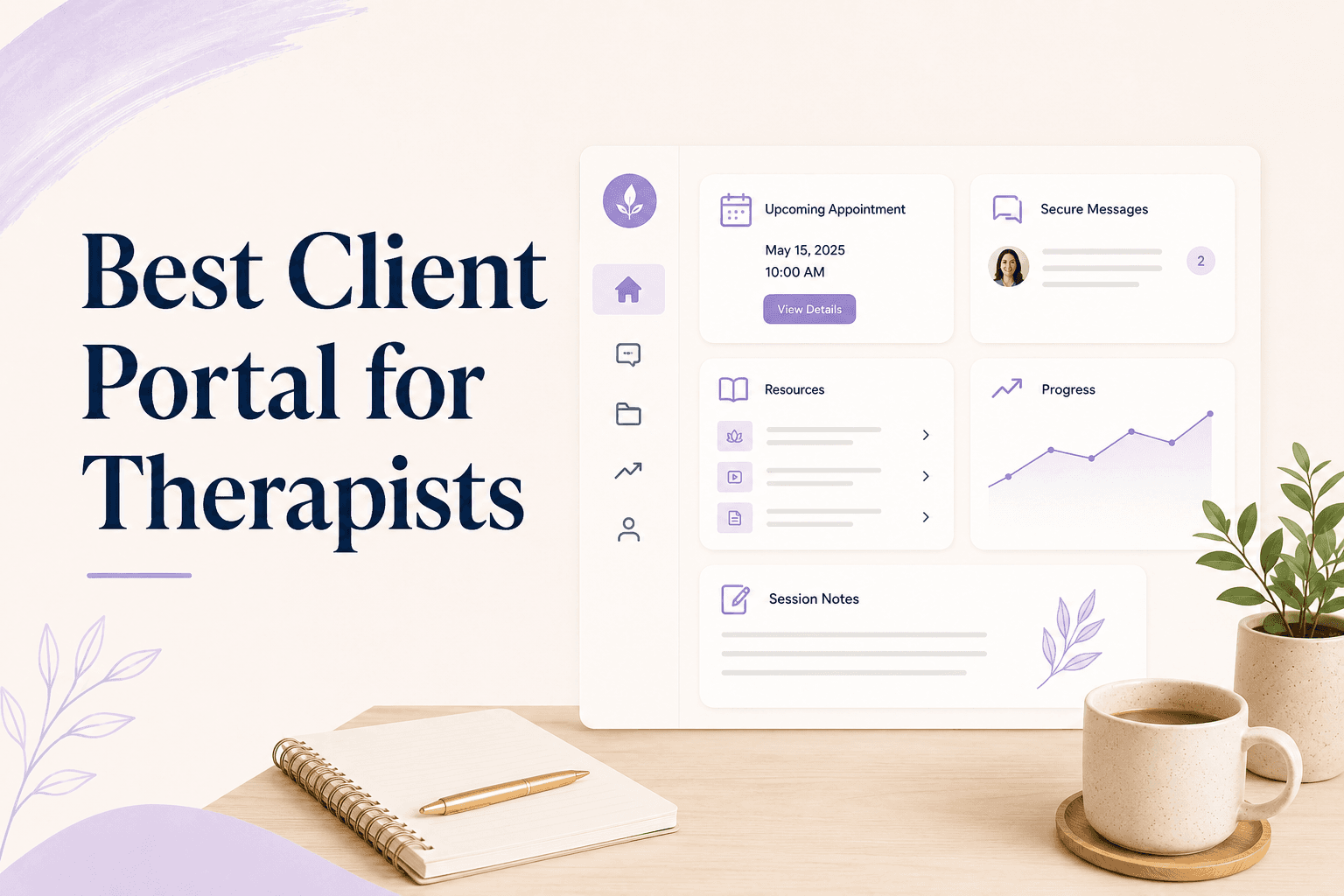
It's a logged-in space where a client handles the administrative side of working with you: booking and rescheduling sessions, paying, completing forms, and finding materials you've shared.
A portal is defined by what the client can do without contacting you. If it's a place where you post things and they read them, it's a document folder with a login on top.
What do clients actually use a portal for?
Three things, consistently, and in this order:
- Booking and rescheduling. By a wide margin the most-used function, because it removes a message exchange for both people.
- Paying. Especially when a session package or a balance is involved and they want to see where they stand.
- Finding what you sent them. The worksheet from three weeks ago that's buried in email.
Everything else in a typical portal feature list — messaging, document libraries, homework tracking, mood logs — gets used by a minority of clients in a minority of practices. Useful for some. Not what you should choose on.
Secure messaging is the most commonly oversold of these. It sounds essential and usually isn't, because clients message where they already are. Unless you have a clinical reason to keep written communication inside a compliant system, an unused inbox in a portal is a place for messages to sit unread.
Forms are the exception worth investing in. Intake and consent completed before the first session saves ten minutes of session time and arrives in a legible, searchable form rather than as a PDF someone photographed.
Why do most portals go unused?
Because they front-load the cost. Creating an account, setting a password, and learning an interface is real effort, and it's demanded before any benefit arrives. If the first thing behind the login is a message you could have sent by email, the client learns that the portal isn't worth the trip.
Important
The second cause is fragmentation. A client with a booking link from one tool, an invoice from another, and a course login from a third has three portals, none of which is a portal. That's the practical argument for keeping online booking for therapy clients in the same place as everything else they need.
What should a portal include for a solo practice?
Five things, and you can ignore most of the rest:
- Booking and rescheduling against your real availability
- Payment, including any package balance or outstanding amount
- Intake and consent forms completed before the first session
- Session history — what was booked, what was attended
- Shared resources: worksheets, recordings, course materials
If you also run groups or recorded programs, the portal should show those enrollments in the same place as sessions. A client who bought a course and books individual sessions is one relationship, and splitting it across two logins is exactly the fragmentation that kills portal use.
Two practical details decide whether any of it gets used. The first is mobile — most clients will open the portal on a phone, and a portal that only works well on desktop is a portal that works for nobody. The second is password recovery: if a client can't get back in without emailing you, the portal has generated admin rather than removed it.
Portal or EHR — where's the honest line?
This distinction matters more in therapy than in coaching, so it's worth being precise rather than reassuring. An EHR stores clinical documentation — notes, diagnoses, treatment plans, anything that qualifies as protected health information. That requires a HIPAA-compliant system and a signed BAA with the vendor.
A booking-and-payments portal is a different product, and any vendor who blurs the line is one to be careful with. Many solo therapists run both: an EHR for clinical records, and a client-facing portal for scheduling, payments, forms, and materials. That's a reasonable setup, not a failure of consolidation.
If you're evaluating whether you need the full clinical stack at all, what software a private practice actually needs works through where the line usually falls, and the SimplePractice alternatives comparison covers what you give up when you don't buy the all-in-one clinical suite.
How to choose without overbuying
Four questions, answered before you look at pricing:
- Which emails do I currently send by hand every week? Does the portal remove them?
- Can a client book and pay in the portal, or only view information?
- Will I be storing clinical notes here? If yes, is there a BAA?
- Does the client need a separate login for anything else I sell?
Question one is the whole business case. A portal that eliminates three recurring emails per client per month pays for itself in attention alone. One that adds a place to check is a cost with a login attached.
Then test it as a client before you migrate anyone. Create an account on your phone, book a session, pay for it, and complete a form. If any of those four steps made you impatient, they'll lose a client who is already ambivalent about starting therapy.
Therapist software where booking, payment, forms, and materials sit behind one client login means the portal is the thing they already use rather than an extra destination. Merkora gives each client one place for sessions, packages, payments, and anything you've shared — so the portal earns its login on the first visit.
Frequently asked questions
What is a client portal for therapists?
A secure, logged-in area where clients can book or reschedule sessions, make payments, complete intake forms, and access materials you've shared. It gives clients self-service access to the administrative side of the relationship.
Does a client portal need to be HIPAA compliant?
If it stores protected health information — clinical notes, diagnoses, treatment records — then yes, and you need a signed BAA with the vendor. A portal used only for scheduling, payments, and general resources sits in different territory, but you should confirm the boundary with the vendor rather than assume it.
Do therapy clients actually use client portals?
They use the parts that save them a step — booking, rescheduling, and paying. Adoption drops sharply for anything that requires learning a new interface or remembering a separate password for a task they'd otherwise do by email.
Is a client portal worth it for a solo therapist?
It's worth it if it removes repeated admin — the back-and-forth of scheduling, chasing payment, and resending forms. It's not worth it if it's a login your clients ignore while you keep doing all of that by email anyway.