
Key Takeaways
- How you collect payment affects no-show rates, revenue reliability, and hours spent per week on administration.
- Invoice-after-session models create payment chasing and give clients no financial stake in showing up.
- Payment at booking eliminates invoice chasing and reduces no-shows — the single highest-leverage change in practice operations.
- Raw Stripe and PayPal handle the transaction but nothing around it: no booking, no cancellation policies, no client history.
- The total cost of a payment system includes the time spent chasing invoices and the revenue lost to no-shows — not just the transaction fee.
In this article
How you collect payment matters more than coaches usually expect. The right setup reduces no-shows, removes friction from the client experience, and saves you hours every month. The wrong setup means manual invoicing, payment chasing, and clients who "forget" to pay before their session.
Here's a map of the options — from raw Stripe to fully managed platforms — with what each costs in time, money, and operational overhead.
Raw Stripe
Stripe is a payment processor, not a coaching platform. Technically you can send a Stripe payment link to a client and collect payment. The transaction fee is 2.9% + 30¢.
What it does well: Lowest transaction fee available at this tier. Full control. Extremely reliable.
What you're missing: Everything else. No booking integration, no automatic reminders, no session tracking, no cancellation enforcement, no package credits. You're building the rest manually.
Best for: Technical coaches who want to build a custom payment flow and are comfortable with the integration work.
PayPal
PayPal is familiar to clients and easy to set up. For ad hoc invoicing or direct payment requests, it works.
What it does well: Client recognition (many people already have PayPal), fast setup, international payments.
What you're missing: Same as raw Stripe — no booking integration, no cancellation enforcement, no session tracking. Transaction fees are higher than Stripe for many configurations.
Best for: Early-stage coaches sending one-off payment requests before they have a system set up.
Invoicing tools (Wave, FreshBooks)
Wave (free) and FreshBooks (from $19/month) let you send professional invoices with online payment collection. Some coaches build their entire billing workflow around these tools.
What they do well: Professional invoices, payment reminders, expense tracking, basic financial reporting. Wave is free.
What you're missing: No booking integration. No upfront payment at the time of booking. Invoice-based billing means you're always collecting after the fact — which means chasing payment and no natural enforcement mechanism for no-shows.
Best for: Coaches who work primarily with corporate clients where invoice-based billing is expected.
Coaching-specific platforms (HoneyBook, Paperbell)
Platforms like HoneyBook and Paperbell combine booking, invoicing, and payment in a coaching-aware workflow. Clients pay at booking rather than after the fact.
What they do well: Payment collected at booking, package support, client management, professional client-facing experience.
What you're missing: HoneyBook doesn't have course hosting. Paperbell's cancellation enforcement is limited. Both add a platform fee on top of Stripe processing.
Best for: Coaches who want payment tied to booking but don't need course hosting or strong cancellation enforcement.
Merkora
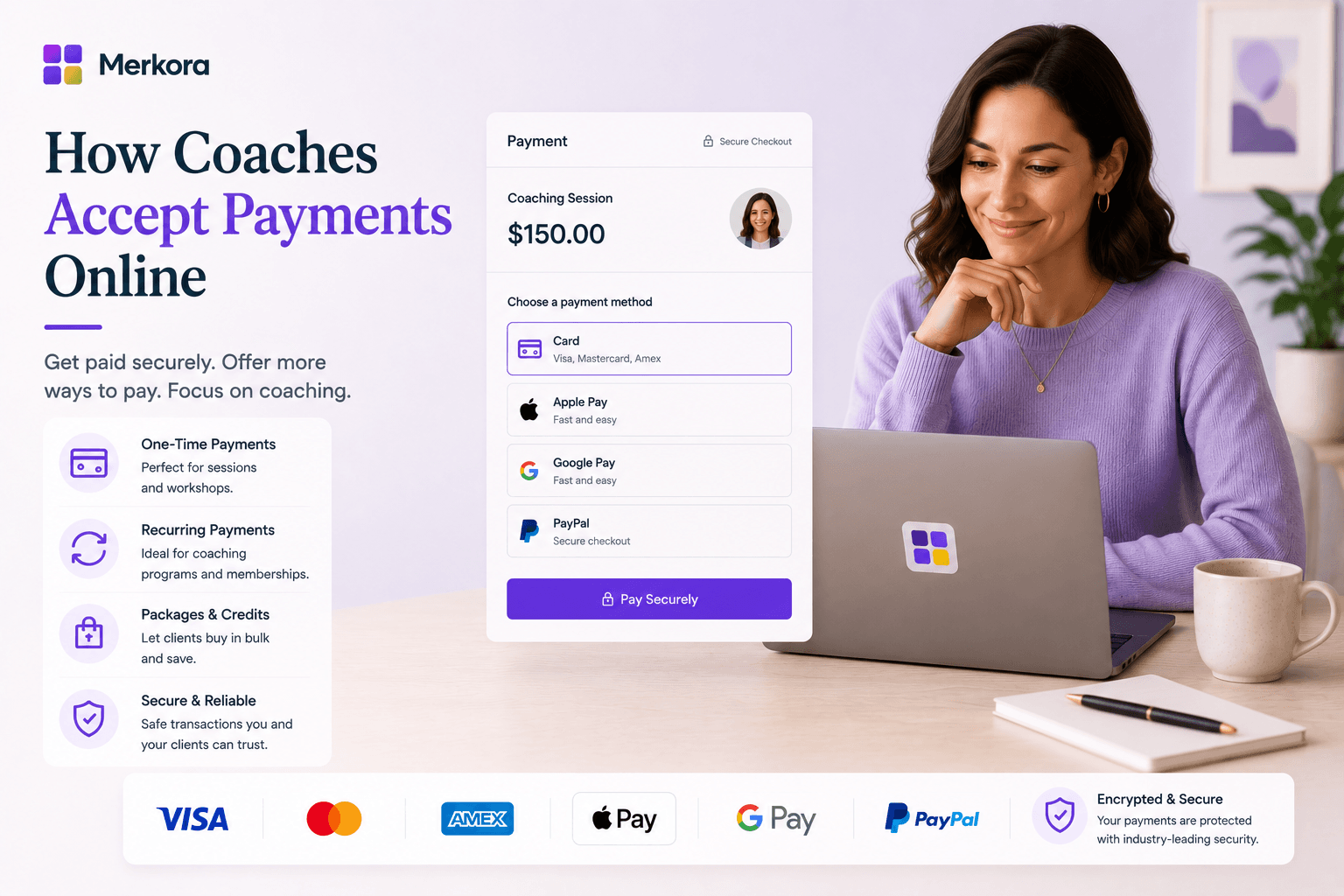
Merkora treats payment as part of the booking flow — not a separate step. When a client books a session or purchases a package, payment is collected at that moment. Session credits are tracked automatically. Cancellation fees are charged automatically when applicable.
The difference from invoicing tools: there's no payment chasing. The difference from raw Stripe: the booking, session tracking, credit system, and cancellation policy are all connected to the payment without custom development.
Best for: Coaches who want payment, booking, credits, and cancellation enforcement to work as one system rather than being wired together manually.
For the therapist equivalent of this guide, see How Therapists Accept Payments Online. For session package strategy, see How to Sell Session Packages as a Coach.
The real cost comparison
When comparing payment options, the transaction fee is only part of the cost. The full cost includes:
- Time spent chasing late payments (invoice-based models)
- Revenue lost to no-shows with no enforcement mechanism
- Time spent manually tracking session credits
- Subscription cost of multiple tools doing payment, booking, and tracking separately
A setup that collects payment at booking, tracks credits automatically, and enforces cancellations programmatically often costs less in total than a "free" invoicing tool plus the manual overhead it requires.
Merkora is free to start — set up your first paid session type and see how the flow works before committing.
Frequently asked questions
How do coaches accept payments online?
The main options: payment at booking via a coaching platform (Merkora, Paperbell), invoice-after-session via Stripe or PayPal links, or formal invoicing via Wave or FreshBooks. Payment at booking is recommended — it eliminates invoice chasing and reduces no-shows.
Should coaches use Stripe or PayPal?
Both work for basic payment collection. Stripe is more professional, has lower fees for most setups, and integrates better with practice platforms. PayPal is more familiar to some clients. Neither handles booking, session tracking, or cancellation enforcement — you'd need additional tools for those.
How do coaches charge clients without invoicing?
Use a booking platform that collects payment at the time of booking. The client books the session, pays immediately, and receives a receipt. No invoice needed, no follow-up required. This is how most modern coaching platforms work.
What is the cheapest way for a coach to accept payments?
Raw Stripe (2.9% + 30¢ per transaction) has the lowest fees. But the cheapest fee isn't always the lowest cost — invoice-based models add hours of admin time weekly. A platform that collects payment at booking may have slightly higher fees but saves 2–3 hours per week.