
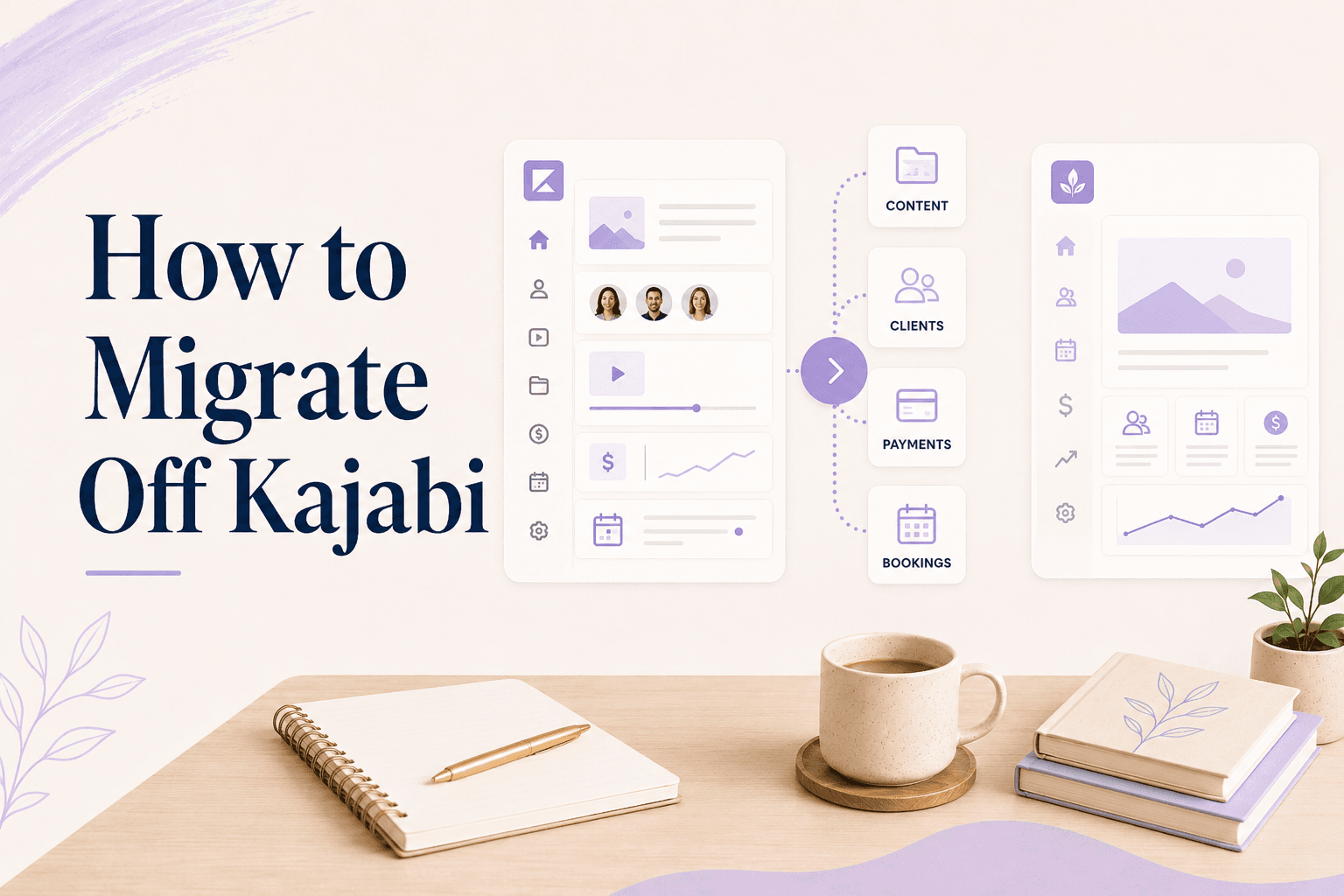
Key Takeaways
- Video files, PDFs, and your contact list export from Kajabi without much trouble. Student progress, automations, and payment plans do not.
- Active subscriptions and payment plans are the genuinely hard part — they live in Kajabi's Stripe connection and can't be handed over. Run both in parallel until they finish.
- Rebuild before you announce. Students should hear about the move once, with a working link in the same email.
- Budget a weekend for a single course and about two weeks of overlap for a practice with subscriptions, group programs, and a custom domain.
- Migrating is worth it when the new platform does something the old one can't. It is not worth it to save $40 a month.
In this article
The reason most people stay on a platform they've outgrown isn't the price — it's the quiet fear that four hundred students will end up locked out of something they paid for. That fear is reasonable. It's also manageable, because the failure modes in a Kajabi migration are well known and every one of them has a workaround.
Here's the sequence that avoids the two outcomes worth avoiding: a broken link in a student's inbox, and a payment plan that stops collecting halfway through.
What actually has to move?
Less than you think. Open Kajabi and write down what genuinely earns its keep — usually a shorter list than the products page implies.
- Courses that are currently selling or currently being delivered
- Media: videos, audio, PDFs, worksheets
- People: buyers, members, and your email list
- Money in flight: active payment plans, subscriptions, memberships
- Public URLs anyone might click: sales pages, checkout links, your custom domain
Anything not on that list is archive, not migration. The 2023 masterclass with eleven buyers doesn't need rebuilding — download the files and let it go. Most people halve their workload at this step.
What exports cleanly?
Three things, and they're the ones that matter most:
- Media files. Everything you uploaded can be downloaded again. If you still have the originals on your own drive, skip this entirely.
- Contacts. Kajabi exports a CSV with names, emails, tags, and which offers each person holds. This file is your migration.
- Written content. Lesson text and descriptions copy across by hand — tedious, not risky.
Do the contact export last, on the day you cut over, and keep the file somewhere sensible. It's the record that tells you who is owed access to what, and you'll refer to it for months.
What doesn't transfer?
Four things, in rough order of how much they upset people:
- Student progress. Completion state is platform-specific. It does not move.
- Automations and sequences. You rebuild these, and most people rebuild about a third of what they had.
- Page SEO. Any ranking a Kajabi-hosted sales page earned belongs to that URL. Redirects preserve some of it; nothing preserves all of it.
- Comments and community activity. Export what you want to keep as text; assume the rest is gone.
Progress is the one people fixate on and the one that matters least. Self-paced students know roughly where they were, and a one-line email — "you'd finished module three, pick up at module four" — handles it better than any data migration would.
Active payment plans and subscriptions
This is the part that actually needs care. Recurring billing runs through Kajabi's connection to your payment processor, which means the schedule belongs to Kajabi even though the money is yours.
Cancel the Kajabi account and every active payment plan stops collecting — so don't cancel until the last one finishes. Drop to the cheapest plan that keeps those products delivering, send all new buyers to the new platform, and let the old obligations run out on their own. Two or three months of a $69 plan is cheaper than re-collecting from thirty people by hand.
Important
Rebuilding in the new platform
Build everything before you tell anyone. The order that wastes least time:
- Create the products and prices first — everything else attaches to them
- Upload media and rebuild the module structure
- Set up checkout and test it with a real card, then refund yourself
- Build the public page and connect your domain
- Import contacts and grant access to existing buyers
- Run one full purchase as a stranger would, on your phone
Step six catches more problems than the other five combined. Buy your own product from a logged-out browser, on mobile, and read every email that arrives. If the confirmation is confusing to you, it's worse for someone who paid.
Telling your students
One email, sent when the new platform is live, containing a working link. Not a heads-up email followed by a link email — that doubles the number of people who act on the wrong one.
Say what changed, what they need to do, and what happens if they do nothing. Three sentences is enough: the course has moved, here's your access link, your old login stops working on the 30th. Anyone mid-program gets one extra line telling them where they left off.
Expect a handful of confused replies regardless. Keep the old platform reachable for two weeks past the cutover so those replies are easy to resolve rather than urgent.
Links and redirects
Your Kajabi URLs are in more places than you remember: your Instagram bio, your email signature, past newsletters, a podcast episode description, someone else's blog post.
If Kajabi hosts your custom domain, point the domain at the new platform and the important traffic follows automatically. If your links are on a Kajabi subdomain, set up redirects while your account is still active, and update the five places you control directly on the same day. Running everything from one link is largely a way of never having to do this again.
The cutover week
| When | Do |
|---|---|
| Two weeks before | Rebuild products, upload media, test checkout |
| Three days before | Connect domain, set redirects, run a real purchase |
| Cutover day | Export contacts, grant access, send the one email |
| Two weeks after | Keep Kajabi reachable, answer stragglers |
| When plans finish | Cancel Kajabi |
One last check before you start: migrating is worth it when the new platform does something the old one couldn't. Saving forty dollars a month is not a good enough reason to spend a weekend and unsettle four hundred students.
Moving because you need bookings, packages, and cancellation enforcement living beside your course is a different matter — that's a capability Kajabi doesn't have at any tier, and the Kajabi alternatives comparison covers which platforms do. Coaching software that holds sessions and courses on one client record is the version of this move that doesn't need repeating in a year — Merkora is free to set up alongside Kajabi while you test it.
Frequently asked questions
Can I export my courses from Kajabi?
You can download your uploaded video and file assets, and export your contacts as CSV. There's no single-click course export that reproduces your modules and lessons on another platform — you rebuild the structure and re-upload the media.
Will my students lose their progress if I move off Kajabi?
Yes, in almost every migration. Per-lesson completion data doesn't transfer between platforms. For self-paced courses this rarely matters much; for a program people are midway through, tell them in advance and note where they were.
What happens to active Kajabi payment plans if I cancel?
They stop. Payment plans and subscriptions run through Kajabi's connection to your payment processor, so cancelling the account cancels the billing. Keep Kajabi on the cheapest workable plan until existing plans finish, and start new buyers on the new platform.
How long does migrating off Kajabi take?
A single self-paced course is a weekend. A practice with a custom domain, several products, a group program, and active payment plans is realistically two weeks of overlap, most of it waiting rather than working.