Key Takeaways
- General-purpose website builders like Squarespace, Wix, and Webflow added course blocks late and shallow — most are little more than a gated video embed.
- Real course functionality means modules, lesson-by-lesson completion tracking, drip content, and an enrollment record — not just a page that plays a video after checkout.
- The real test isn't whether a builder can host a course. It's whether that course enrollment lives in the same client record as your bookings and payments.
- Embedding a third-party course tool into a general website builder creates two separate client databases you have to reconcile by hand.
- A single branded site where sessions and courses share one client history converts better than routing course buyers to a separate subdomain.
In this article
Type "website builder with courses" into Google and you'll get a long list of tools that technically qualify. Most of them qualify the way a filing cabinet qualifies as a database — technically true, practically unhelpful once you actually try to use it.
The gap between "can host a course" and "actually supports a course" is where most practitioners get burned. It usually surfaces weeks after launch, when a client asks why their progress didn't save, or why lesson 4 unlocked before they finished lesson 3.
Why "courses included" rarely means what it sounds like
General-purpose website builders added course functionality as a feature-checklist item, not as a core product. Squarespace, Wix, and most page builders in this category treat a "course" as a members-only page with a video on it. There's no lesson structure underneath — just content locked behind a paywall.
That's fine for a single mini-course. It falls apart the moment you have modules, a recommended order, or content that should unlock progressively. At that point, "courses included" quietly becomes "one gated page included," and you're back to manually managing access.
What real course functionality actually requires
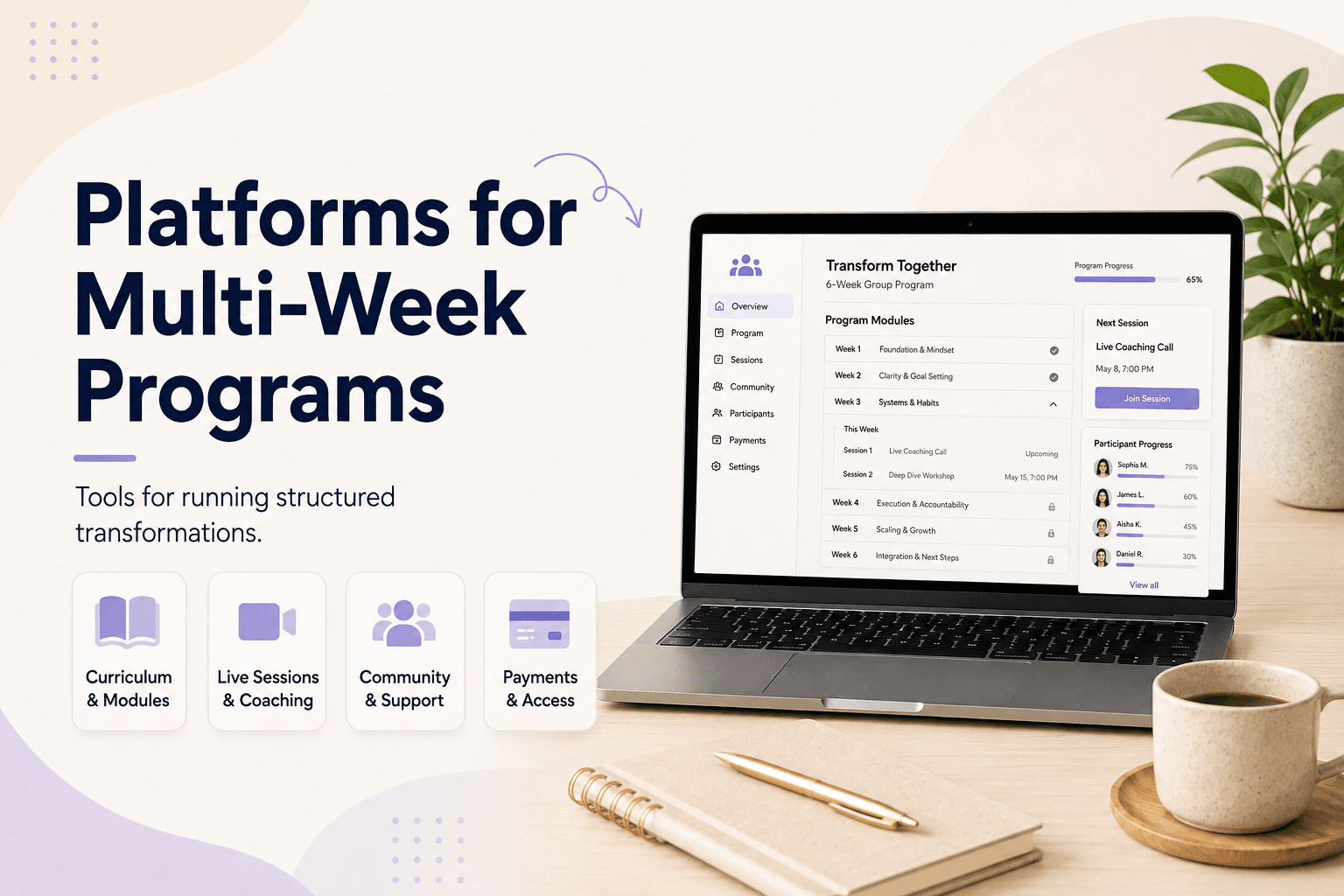
- Modules that group lessons into a logical sequence
- Per-lesson completion tracking, visible to both you and the client
- Optional drip content, so lessons release on a schedule instead of all at once
- An enrollment record — who bought what, and when they finished it
- Attachments per lesson (worksheets, templates, audio files)
None of this is exotic. It's what dedicated course platforms have offered for years. The question is whether you can get it without also maintaining a second website and a second login for your clients.
Why courses need to live on the same site as booking
A client who books a discovery call, buys a session package, and later enrolls in a course is one person with one relationship to your practice. When courses live on a separate platform, that relationship gets split into two records that don't talk to each other — you can't see their full history in one place, and neither can they.
This matters more than it sounds. It's the same underlying problem we cover in why splitting courses and booking costs you clients — every extra login, every "create an account on this other site" moment, is a place someone drops off before paying.
The three tiers builders hide behind
Watch for course functionality that only unlocks on a business or premium plan — many builders advertise "courses included" on the marketing page, then gate modules, drip content, or unlimited students behind a tier you're not on yet. Read the actual feature comparison table, not the homepage.
The second thing to check: whether courses share a client database with bookings, or whether "included" just means a separate app bundled under the same subscription. Bundling isn't integration.
What this looks like in practice
For a coach or therapist, the practical version of this is simple: one client books a session, later buys a course, and both show up on the same profile, on the same site, with one login. No second dashboard, no separate checkout flow to maintain.
This is the same principle behind the knowledge monetization ladder — sessions, packages, and courses are stages of the same relationship, not separate products that happen to share a customer.
Coaching software or therapist software that treats courses as a native part of the same site — not a bolted-on integration — is what makes this possible. Merkora was built so your booking page and your course catalog are the same product, with one client record underneath both.
Frequently asked questions
Can I just embed a Teachable or Thinkific course into my Squarespace or Wix site?
Yes, but it creates two disconnected client records — one in your website builder for site visitors, one in the course tool for buyers. You lose the ability to see a client's full history, sessions and course purchases together, in one place.
Do I need a dedicated course platform if I only have one or two courses?
Not necessarily. If you already have a website builder with booking, look for one that also handles a handful of video lessons and progress tracking natively. A dedicated course platform earns its cost once your catalog actually grows.
What's the difference between a "course block" and real course functionality?
A course block usually just embeds a video or PDF on a page after checkout. Real course functionality includes modules, individual lesson completion tracking, gated content, and an enrollment record tied to a specific buyer.
Will switching to an all-in-one platform mean rebuilding my existing course content?
No. Most platforms, including Merkora, let you upload your existing video files and reorganize them into modules — you're moving where the content lives, not re-recording it.